I hope I didn't bore you to tears. Below are the step-by-step instructions for building your own analytics assistant.

First, you'll need to sign up for Make. Click the link below to create your account.
Click to Create a Make Account.png)
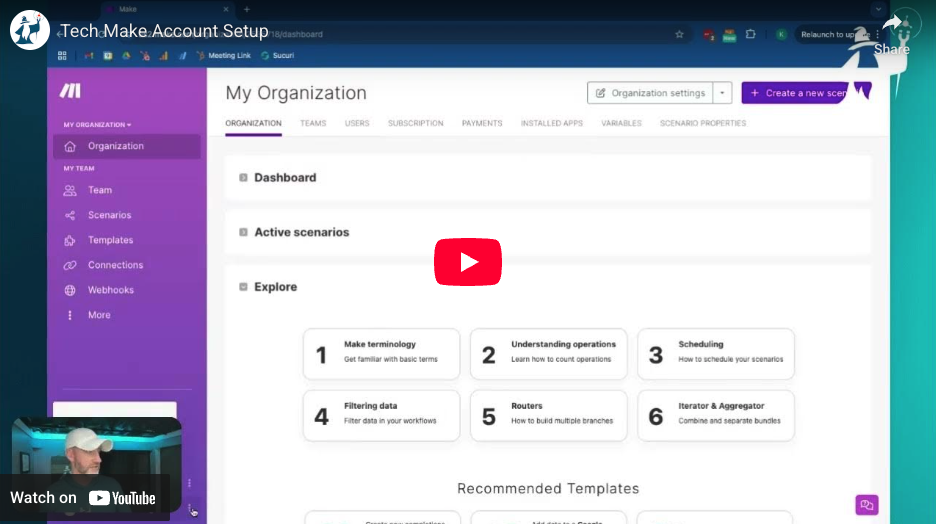
In this video, I walk you through how to set up your Make account.
IMPORTANT NOTE: You will need a "Pro" account to build this Analytics Assistant. It requires access to the Make Code operation, which is only available to the "Pro" account users.
You'll obviously need Google Analytics and Google Search Console for this scenario, but you'll also need access to OpenAi Assistants.
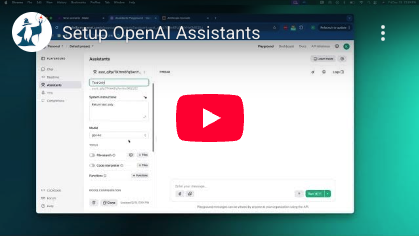
The OpenAI tool that connects to Make (or any integration tool) is called Assistants. You'll need to go to the openai.com/api site to set up your account. The cost here varies based on the OpenAi model you use and how many tokens you consume.
Here's a video walking you through the account and Assistant setup process.
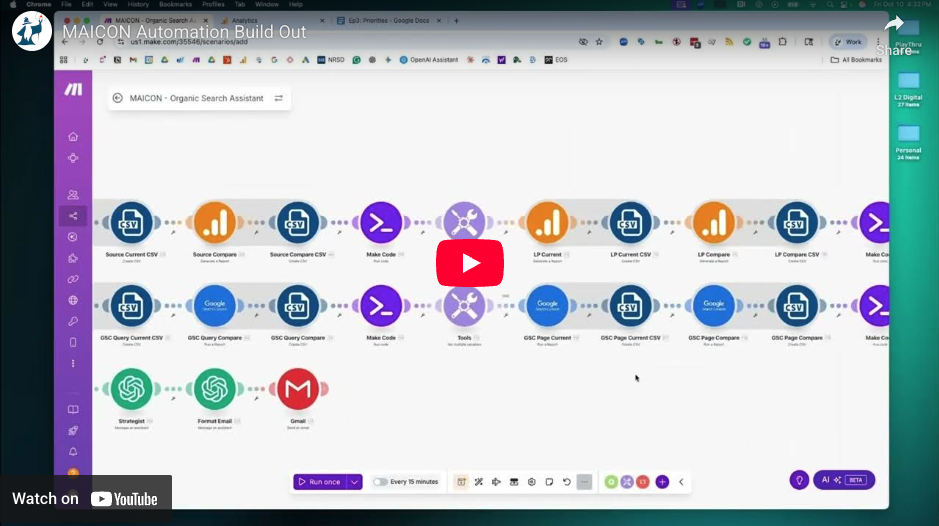
Access the Make blueprint for this automation by clicking the button. It will download a zip file. Open the zip file to find the .JSON file. In the next step, I'll show you how to import it into your Make account and get it set up.
In this video, I'll walk you through how to import the blueprint into Make and configure the modules.
Interested in building custom AI Automations. Let's schedule a discovery call and discuss the possibilities.

L2 Digital © All Rights Reserved 2026
Privacy Policy

